- About Us
- Membership
- Districts
- Conference
- Education
- Advocacy
- Students
- TOTA Online Learning

TOTA 2025 Annual Conference general questions answered
I was looking for a session handout. Was it uploaded? You must use the Whova app. Session handouts provided by the speakers can be located by tapping the course in the agenda and scrolling down. Alternatively you can start in the home screen and scroll down to documents. I was having trouble uploading my CE credits. The CE tracker is at the top of the documents list inside the Whova app or you can obtain it below. You need to download it, print it, and complete it manually by indicating the sessions you viewed in full and providing the necessary information. You then submit it to your regulatory authority. Where are the on-demand topics and how do I access them? Go to the end of the Saturday agenda. You will see the 400 numbered courses and one 200 course, 223. Open the course you want to view. Scroll down and you will have two options-View recorded video or Watch on Desktop. View recorded video will open the video on your phone. If you select Watch on Desktop, it will send you a link to your e-mail. Open that link on your desktop computer and it will take you to the video. On Demand content is available through Feb. 15, 2026
THANK YOU! TOTA 2025 Conference Committee |

Upcoming Events
Sat Aug 1, 2026Introduction to 3D printing in OT: Empowering OTs through workshops to design and 3D print assistive technology Category: Rio Grande District |
Thu Aug 13, 2026Value Based Care for the Occupational Therapy Practitioner Category: Great Plains West District |
Thu Sep 17, 2026TSAHP Fall Conference “Resiliency in Health Professions: Thriving, Not Just Surviving” Category: Community Event |
View Full Calendar
TOTA Sponsors

Revista OT Magazine
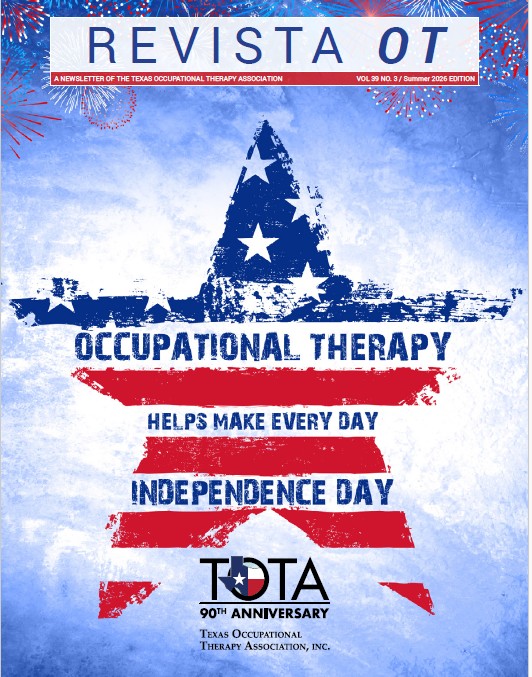
July 2026 Revista OT.
Revista is produced and available three times per year to the public. The Revista OT electronic archives are available for members only. Current TOTA members can click here for the Revista Archives.
Revista is produced and available three times per year to the public. The Revista OT electronic archives are available for members only. Current TOTA members can click here for the Revista Archives.